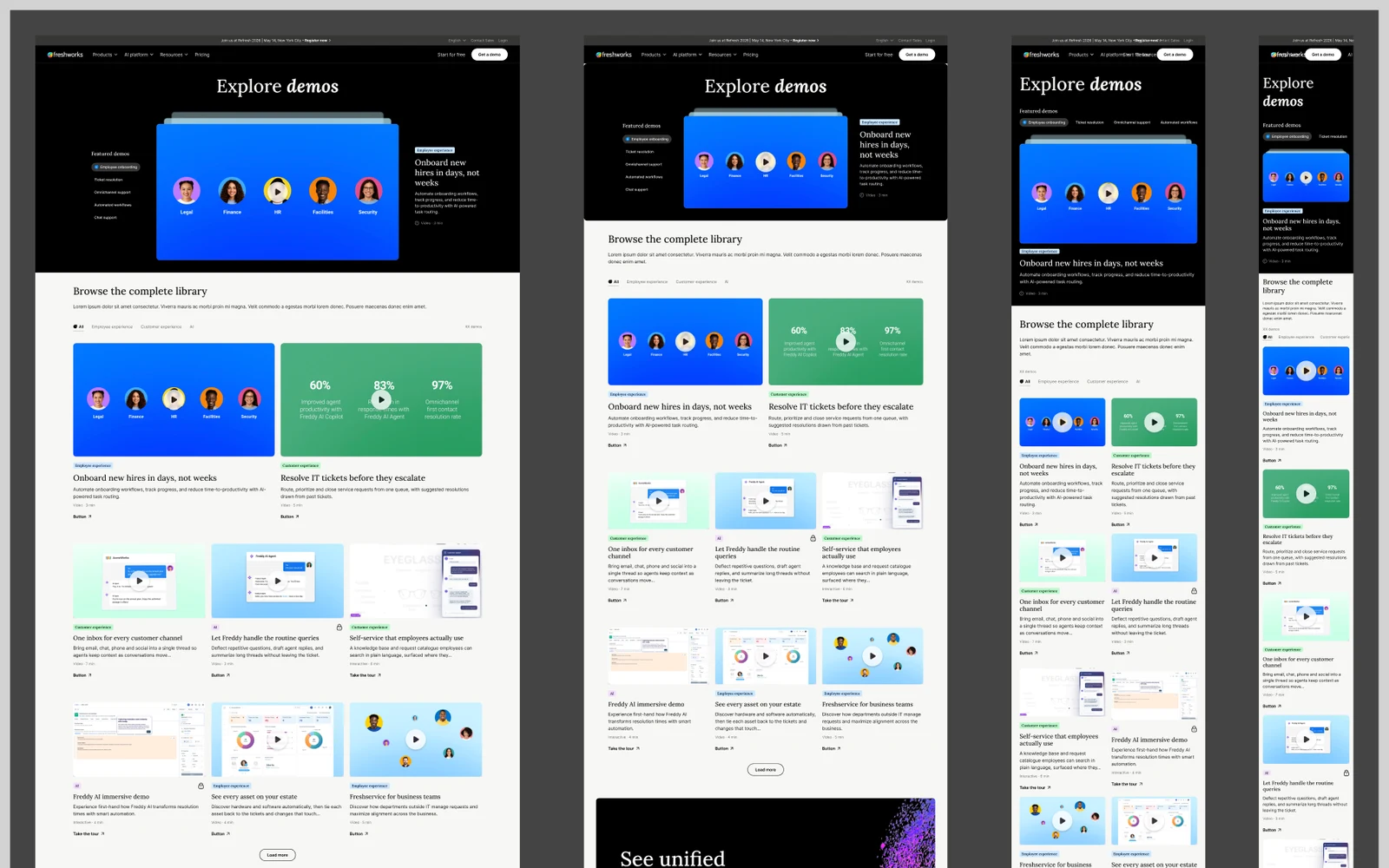
Freshworks’ Demo Hub. A home for every demo, from an agency design to a live page.
Freshworks’ demo page came to me as an agency design. I owned the redesign through a brand change, built and tested ideas with Claude Code, and prepared the dev handover in Figma. It’s live at freshworks.com/demos.
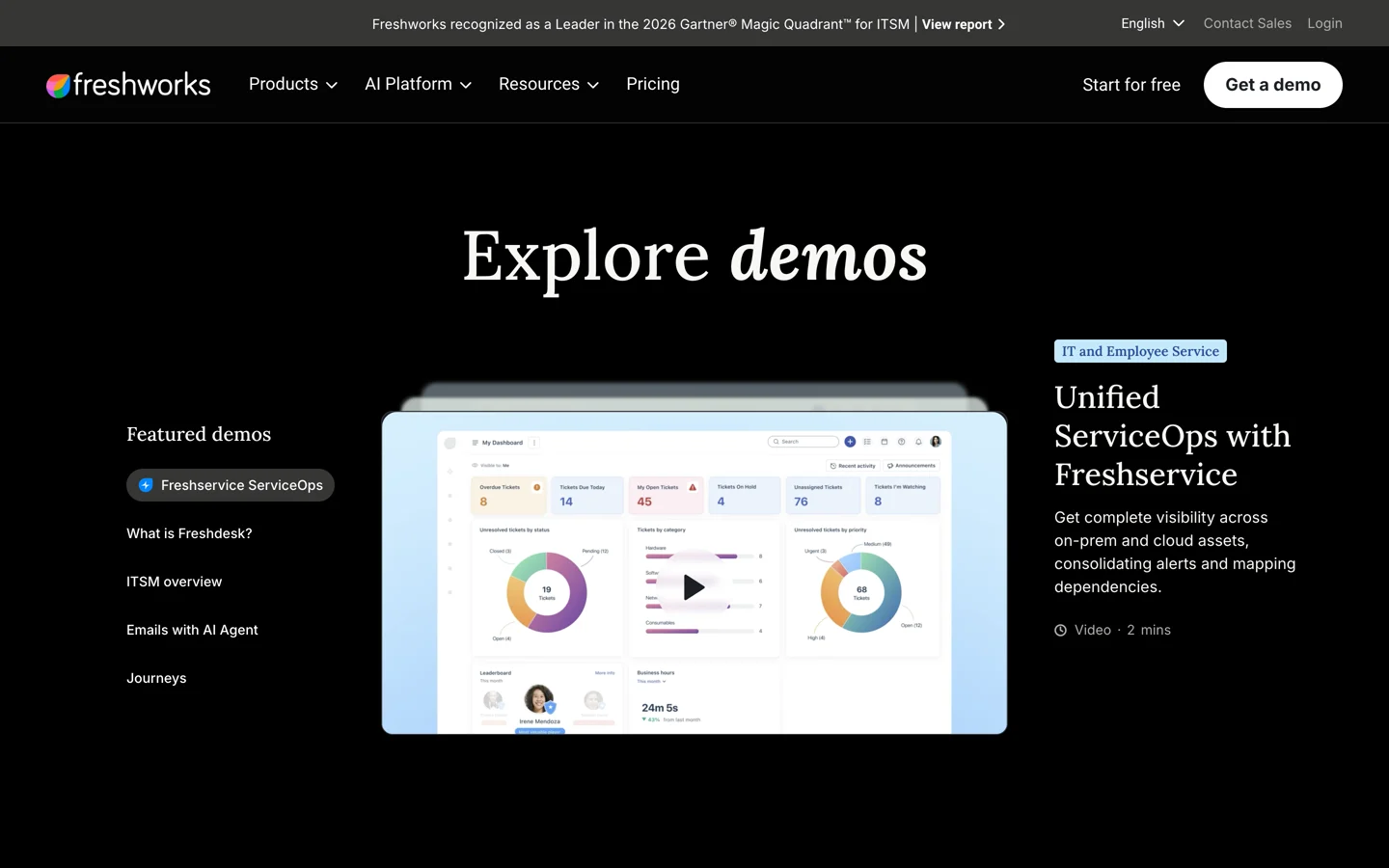
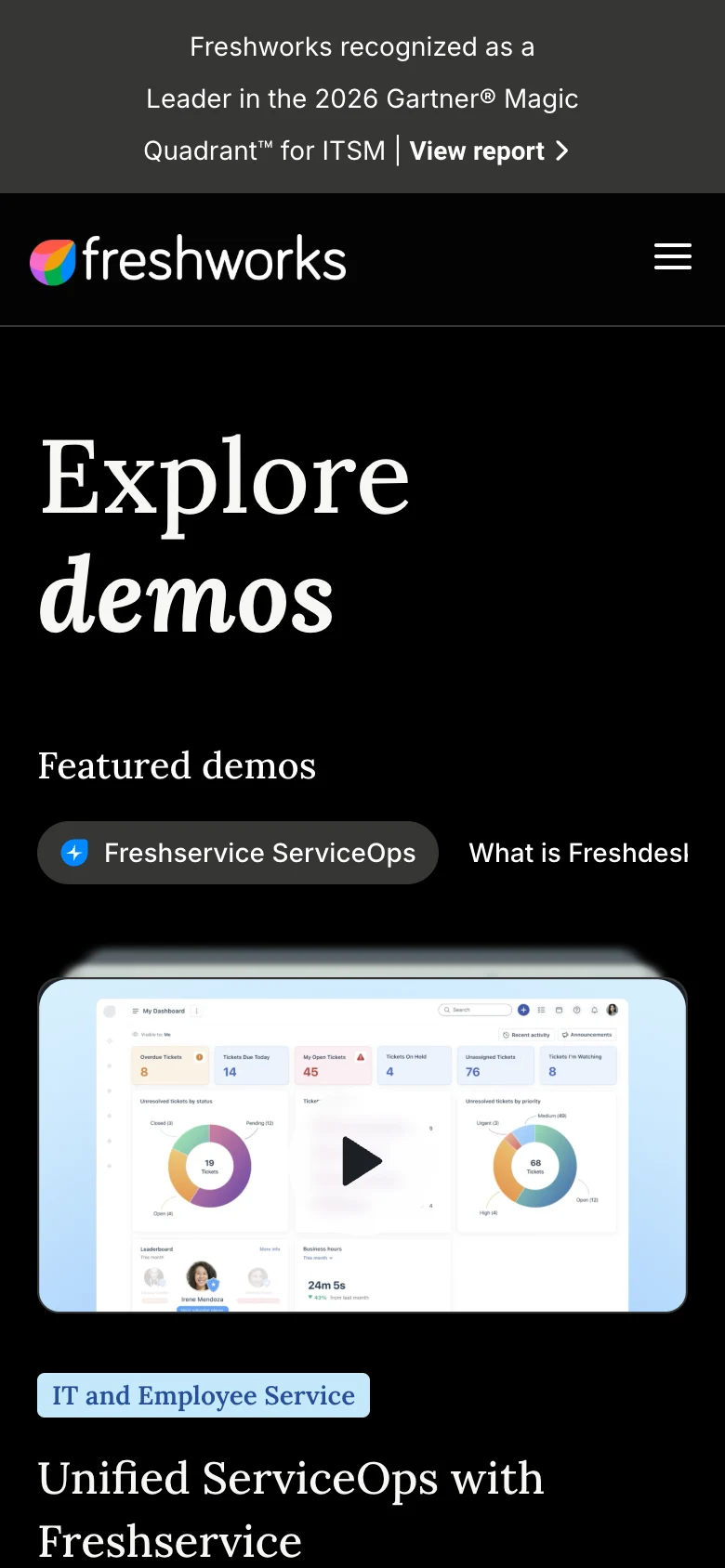
It started as an agency design.
I took the demo page over from an agency and redesigned it to the brand guidelines at the time.
Before that version launched, Freshworks updated its brand, so I went back to the page in the new look.
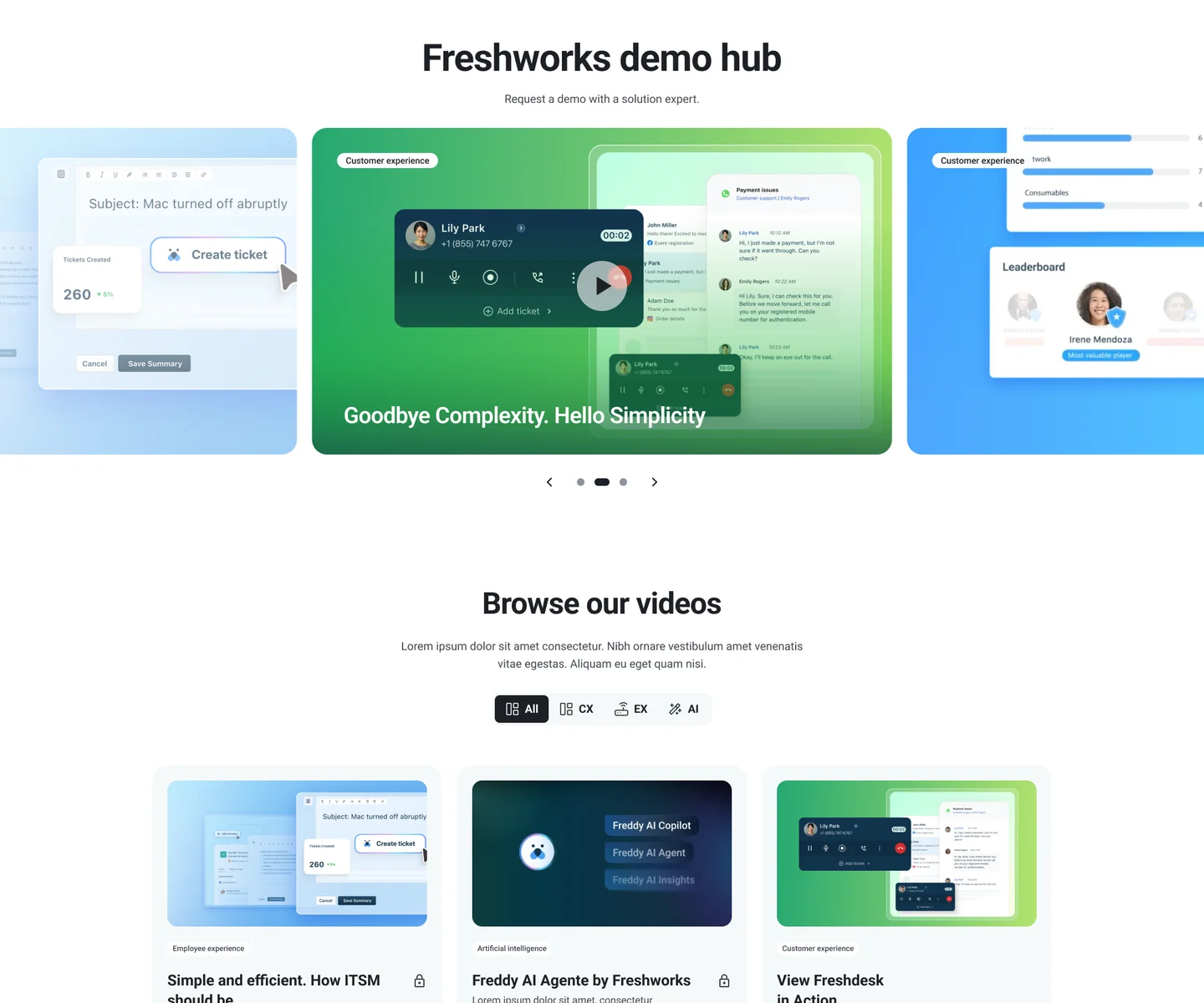
Looking at how others do it.
I roughed out the page in the new brand, then looked at other demo pages and motion galleries to see how they get someone to the right demo.
GSAP’s demo gallery, with its stacked spotlight, shaped the hero.
Building ideas instead of describing them.
I used Claude Code to turn my ideas into working pages, so I could click through a layout, change it and try again the same day.
The strongest ones went into Figma, where I refined them for review.
- 01 · ExploreIdeas as working pagesI sketched ideas and built them in the browserClaude Code
- 02 · IterateQuick roundsClick through a layout, change it, try againClaude Code
- 03 · Into FigmaFigma framesThe strongest pages came into FigmaClaude Code
- 04 · RefineReady for reviewI refined the designs and ran the reviews
- 05 · SpecSpecs and a prototypeI wrote up every state, with a reference prototypeClaude Code
- 06 · HandoverDev handoverI built the handover in Figma
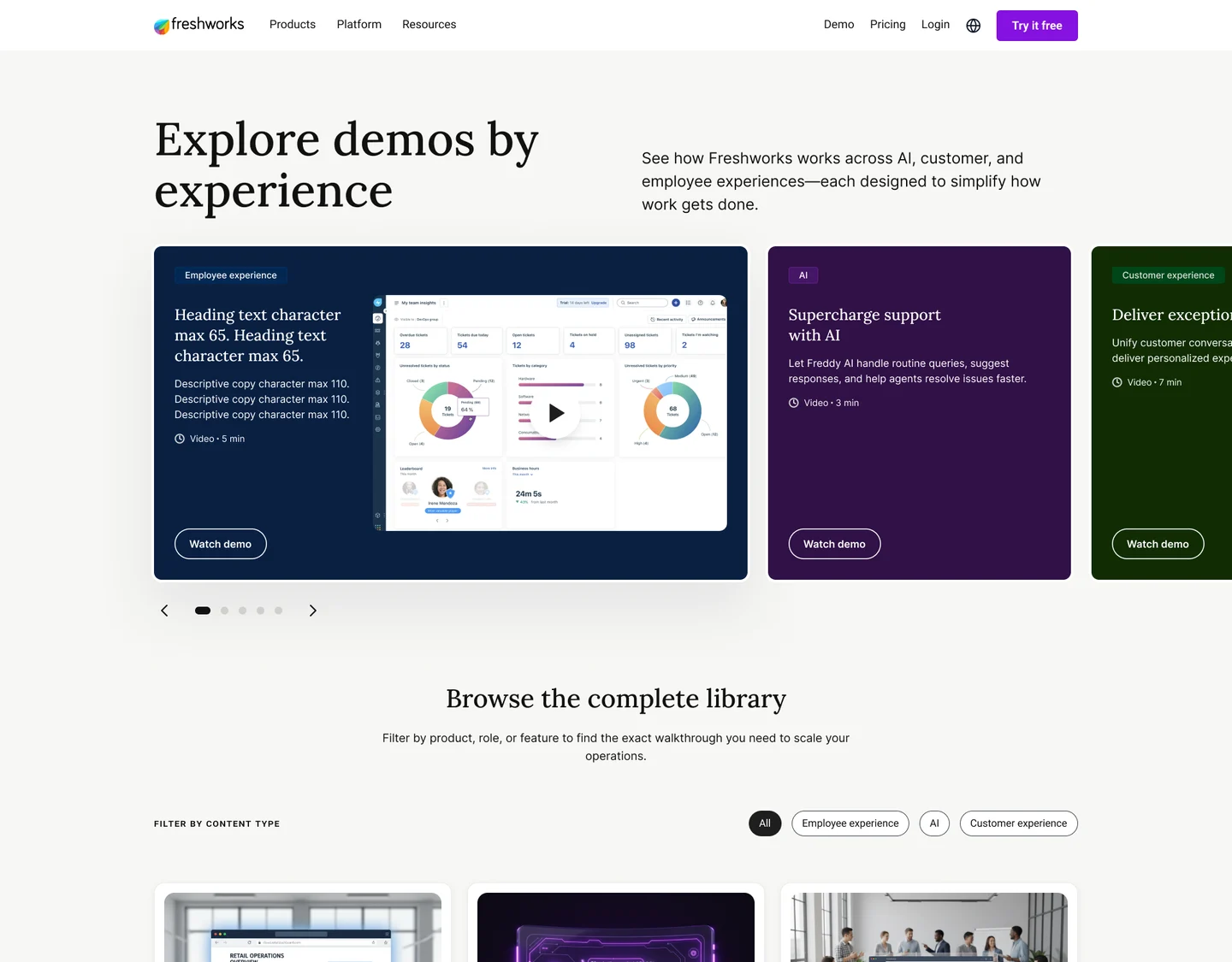
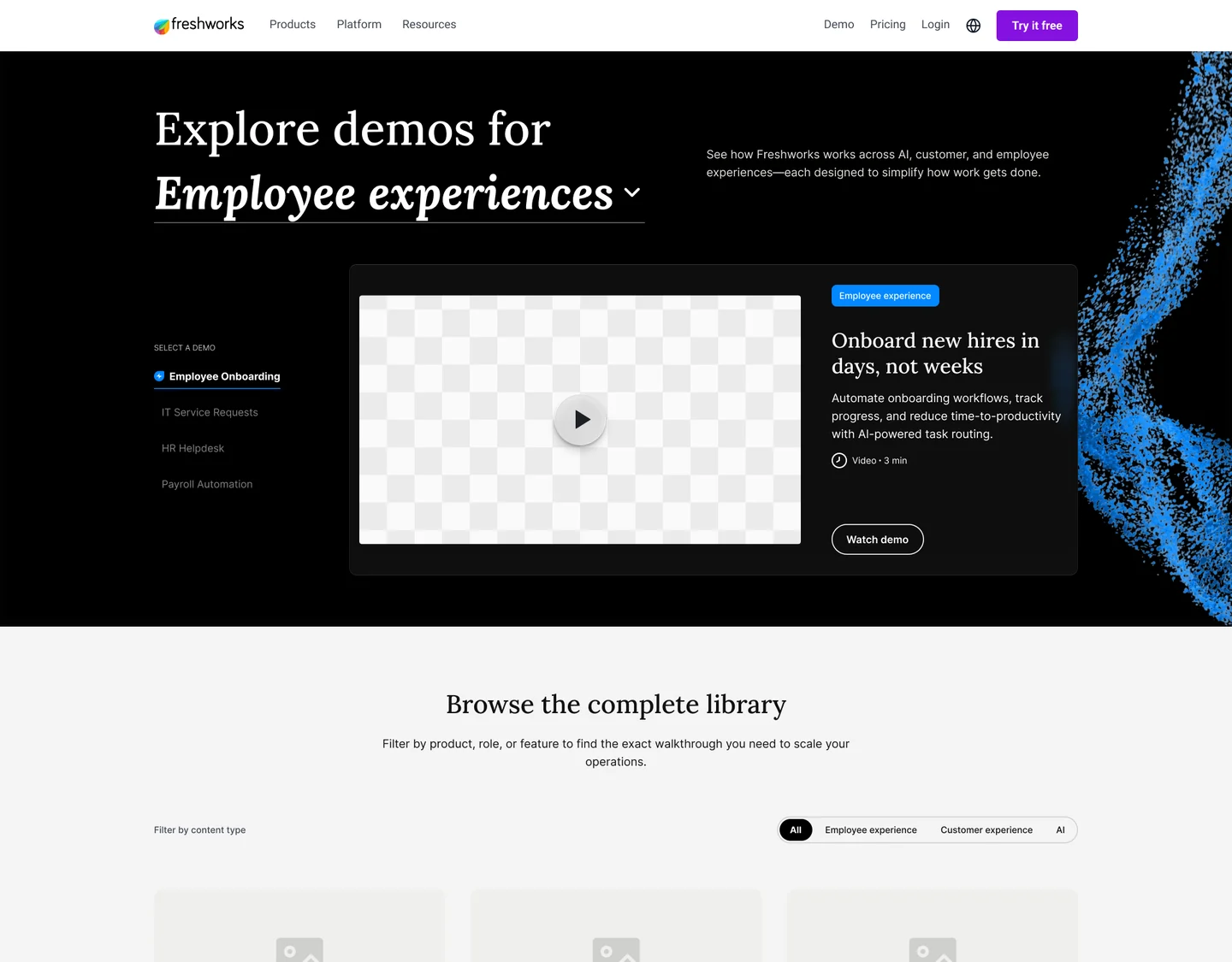
Three directions for review.
A carousel you page through, a list beside a video stage, and panels that open one at a time.
Each one was a working page, so reviewers could click through it.
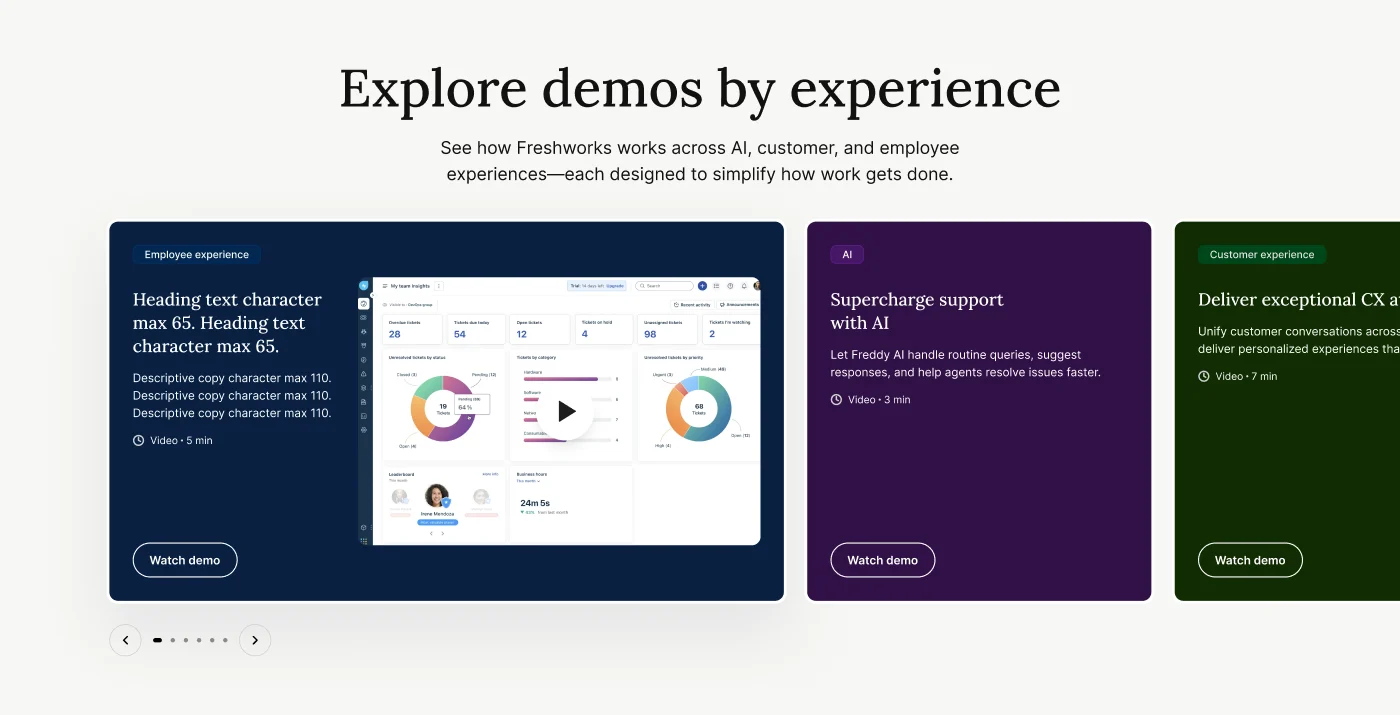
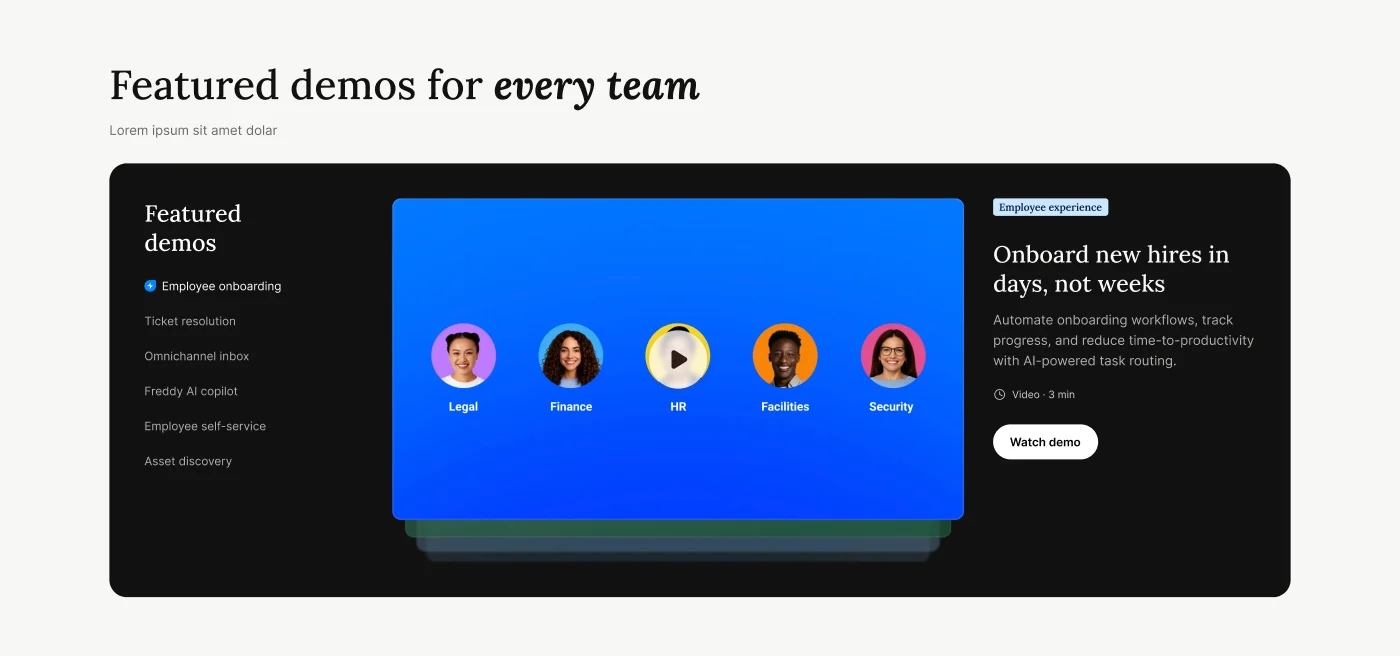
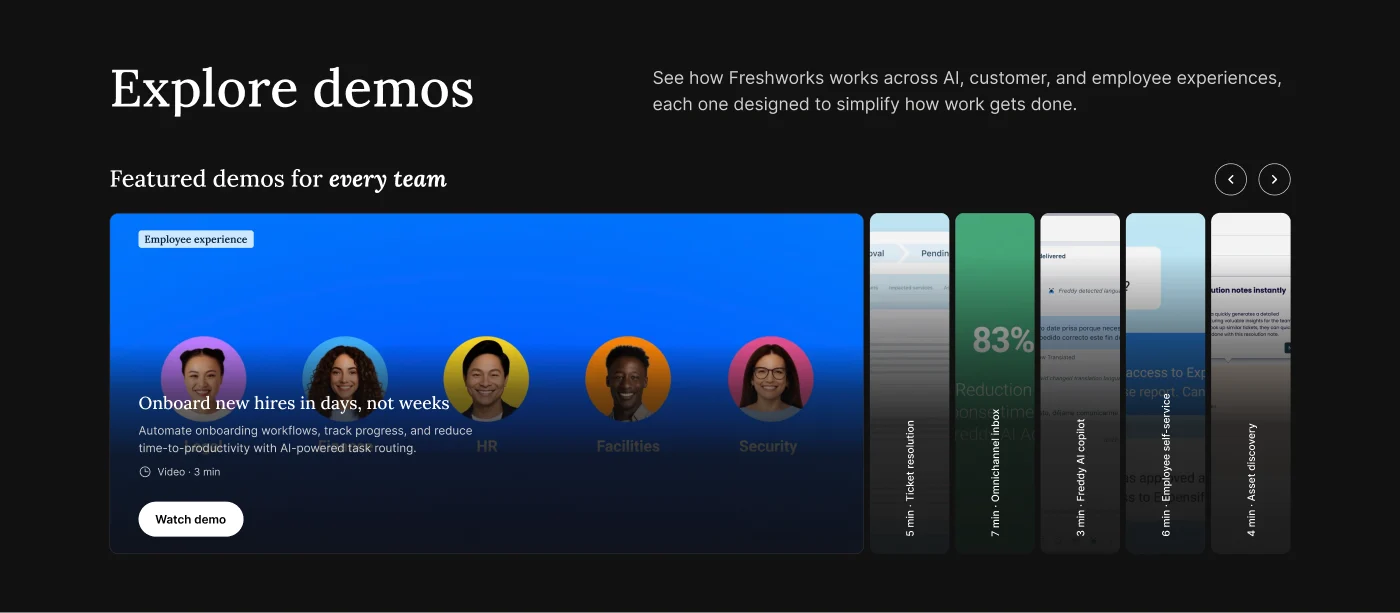
Spotlight won.
The agency carousel put headlines on top of product shots. Spotlight gives the list, the video and the description their own columns.
The other featured demos sit stacked behind the one playing.
One filter for the library.
An early version filtered the featured demos and the library separately. Two filters was one too many, so I kept one: experience.
Each card also says whether it’s a video or an interactive tour.
Watching a demo.
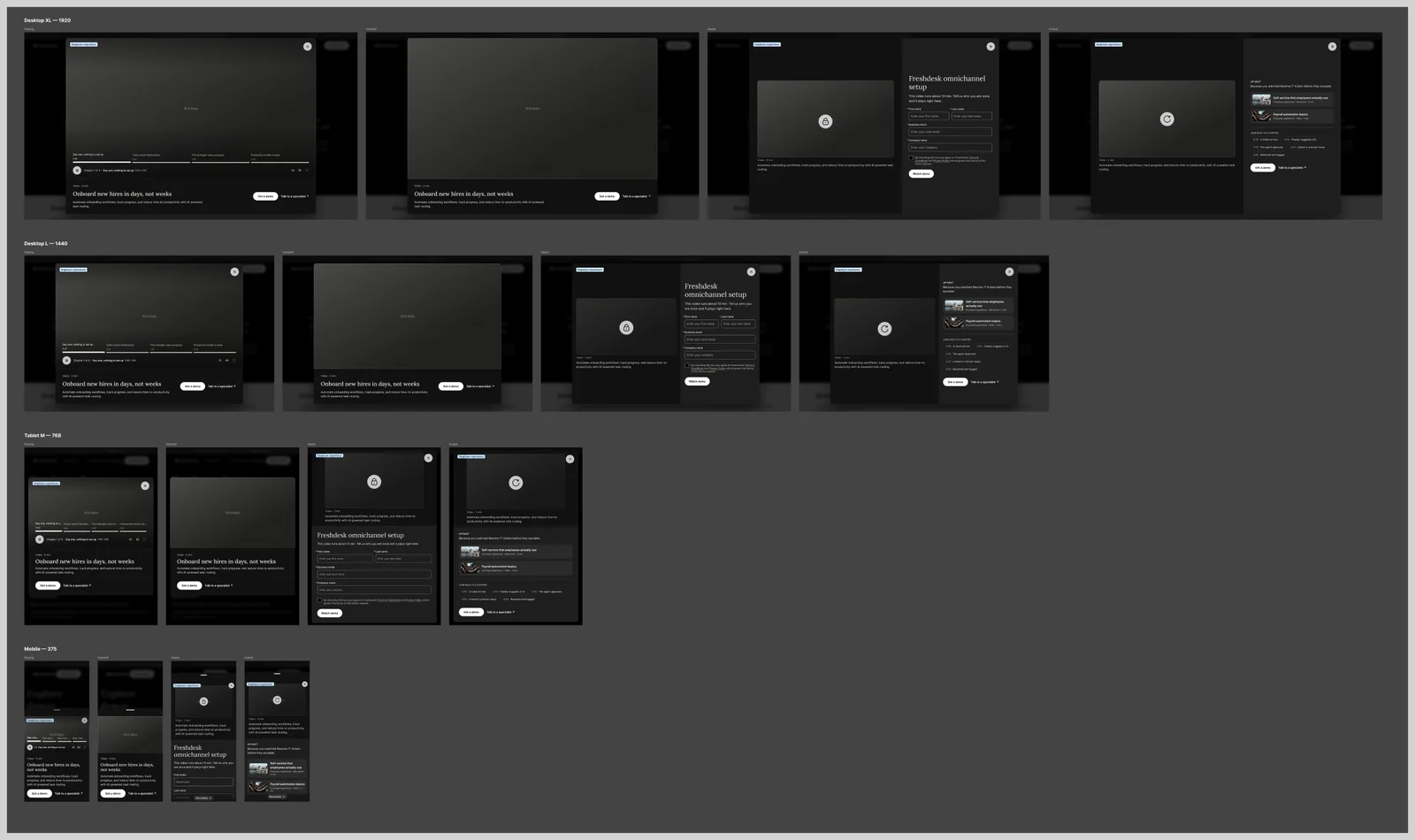
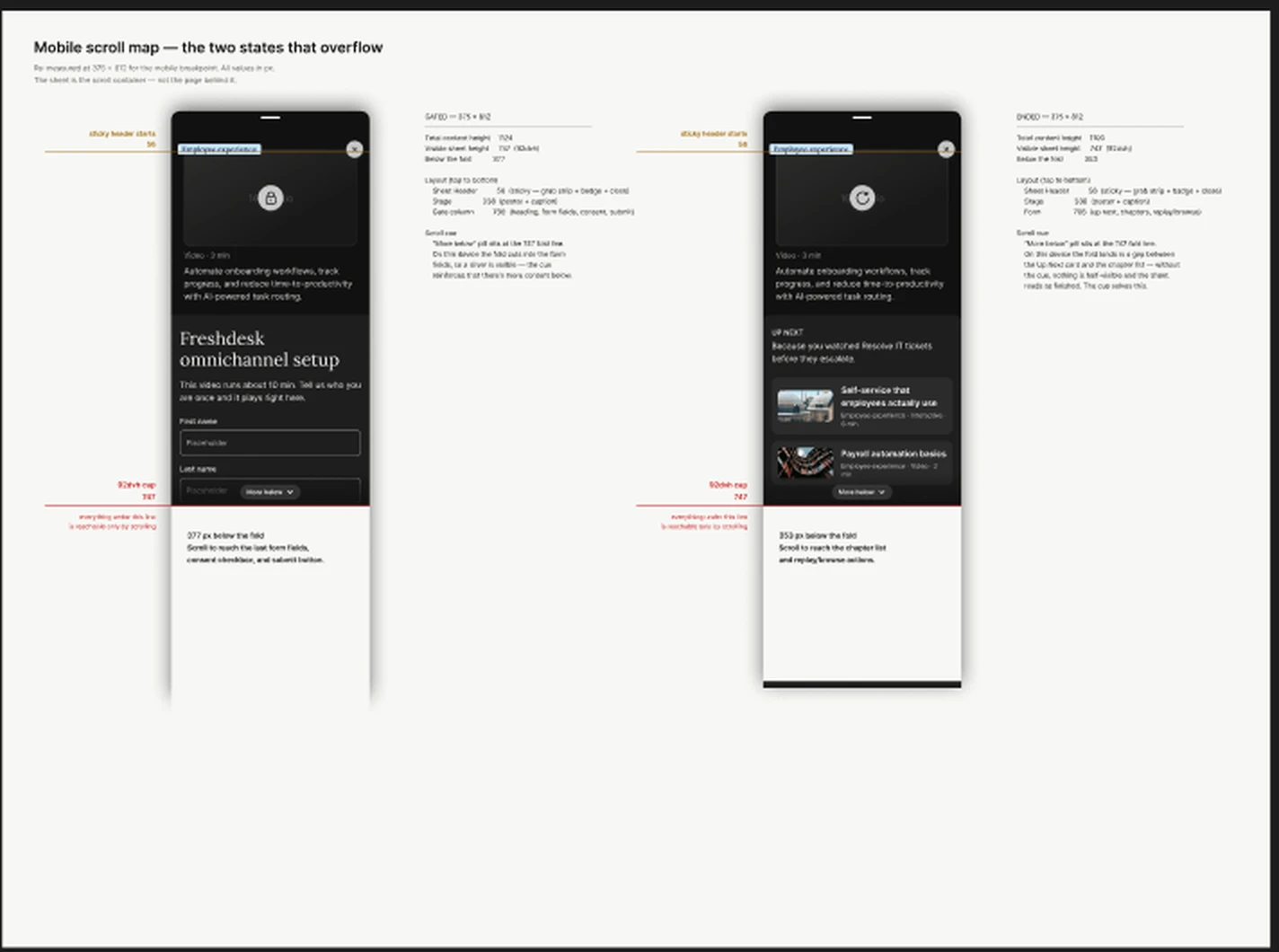
The video takes the full width, with the title and description below and Book a demo close by. On a phone, it opens as a bottom sheet.
When the first dev build of the phone version looked off, I updated the reference prototype to show how it should behave.
The handover, in Figma.
Page mockups at each breakpoint, every player state from playing to locked to ended, and components with notes for developers.
The reference prototype covered motion and behavior. See the live page